Operations
Can AI Do Your Bookkeeping?
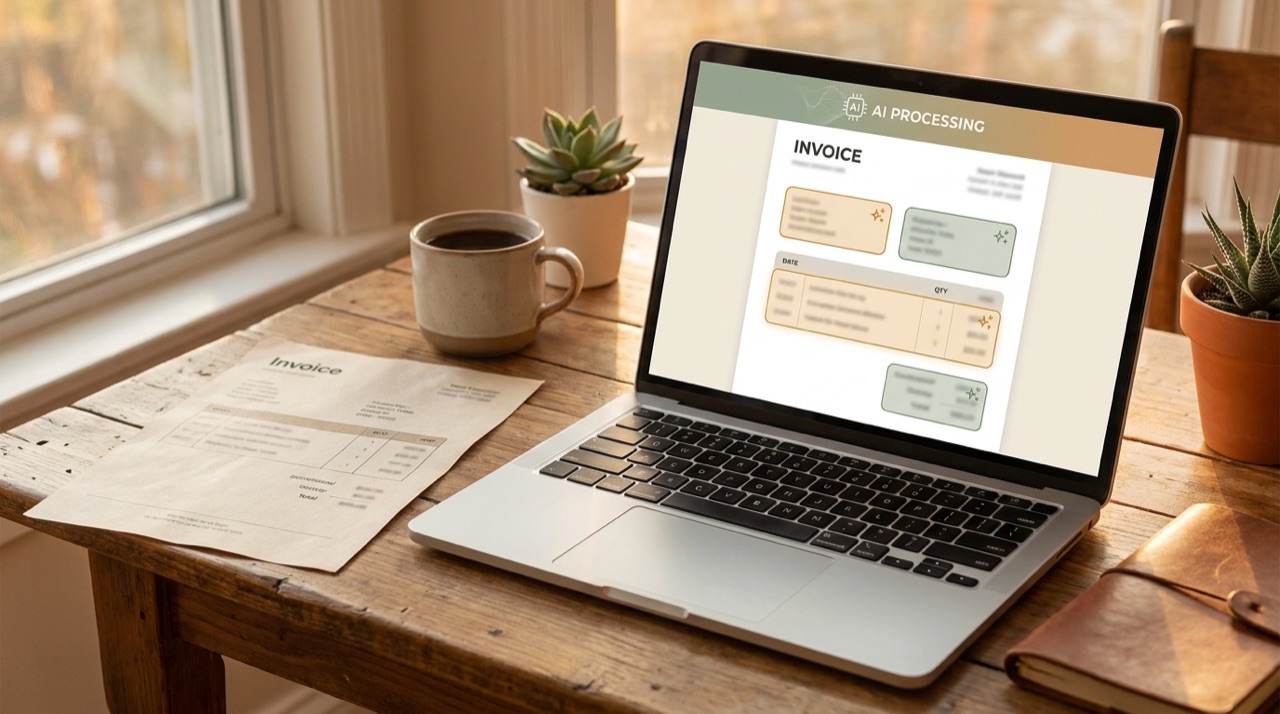
AI can automate most of the data entry in small business bookkeeping — reading receipts and invoices, extracting the fields, suggesting account codes from your history, matching transactions to bank lines and flagging anomalies. It cannot take responsibility for the result, which is why every serious setup keeps a human approving before anything posts.
What it does well
- Reading documents. Receipts, invoices and statements in varied formats, including photographs of crumpled paper.
- Suggesting codes. After a few months of your decisions it categorises routine transactions with high accuracy.
- Matching and reconciling. Pairing bank lines with invoices and receipts, and surfacing what does not match.
- Spotting anomalies — duplicate invoices, an unusual amount from a familiar supplier, a subscription that quietly doubled.
- Chasing. Automated reminders on overdue invoices, which is bookkeeping-adjacent and recovers real cash. See how to automate invoicing.
- Answering questions about your own numbers, when connected properly to your accounting system.
What still needs a person
- Judgement calls — whether something is capital or expense, how to treat a mixed-use asset, what is genuinely deductible.
- Tax filings and compliance. AI does not carry professional liability. Your accountant does.
- Anything unusual — a one-off transaction, a restructure, a dispute.
- Final approval before posting. This is money; the review step is not optional.
- Advice. Structure, planning and the decisions that actually change your tax position.
Can ChatGPT do it?
No — not the chat window on its own. It cannot see your bank feed or your ledger, it is unreliable with arithmetic, and pasting financial records into a public tool is exactly the mistake to avoid. It is useful for explaining an accounting concept in plain language or drafting a note to your accountant. It is not a bookkeeping system, and treating it as one creates work rather than removing it.
The automation that works lives inside your accounting platform or in a purpose-built integration with permissions, an audit trail and human approval — not in a browser tab.
A sensible setup for a small business
- Connect bank feeds properly so transactions arrive automatically.
- Turn on receipt capture and make photographing a receipt the habit at the moment of purchase.
- Let the software learn your coding, then review its suggestions weekly rather than re-entering everything.
- Automate invoicing and reminders on the sales side.
- Keep a human approval step before anything posts.
- Keep your accountant for judgement, filings and advice — and give them cleaner data than before, which is where the real saving lands.
Done properly this removes hours of data entry a month without moving any risk onto software that cannot be accountable for it. If bookkeeping is the workflow eating your evenings, our free AI Opportunity Scan will tell you what is worth automating and what your existing software already covers.